
Progressive Web Apps (PWAs) are apps that can be installed directly from supported websites, independent of centralized app stores.
You can use the instructions below to install PWAs directly from your web browser.
Progressive Web Apps (PWAs) are apps that can be installed directly from supported websites, independent of centralized app stores.
You can use the instructions below to install PWAs directly from your web browser.
💡 Based on your system, you might want to jump directly to:
Note: on iOS, Safari is the only browser that can install PWAs.
Open Safari and navigate to a website that supports PWA installation, then tap:
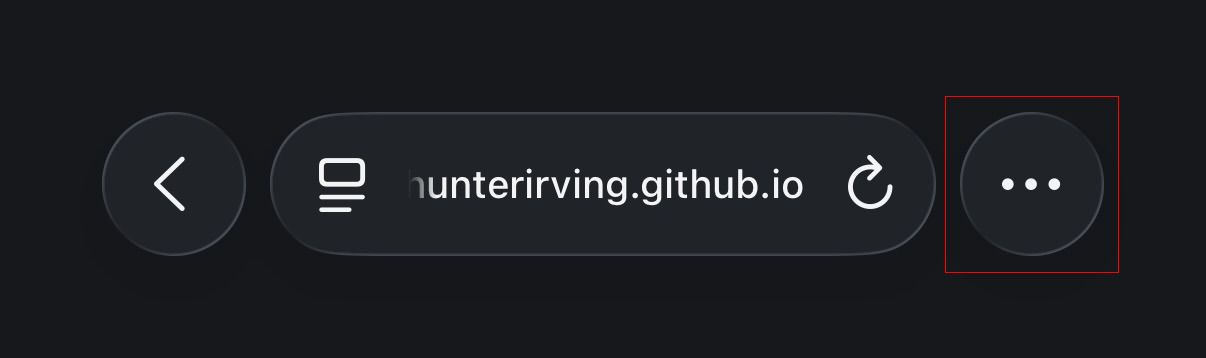
1. The three dots button in the bottom right corner of the screen:
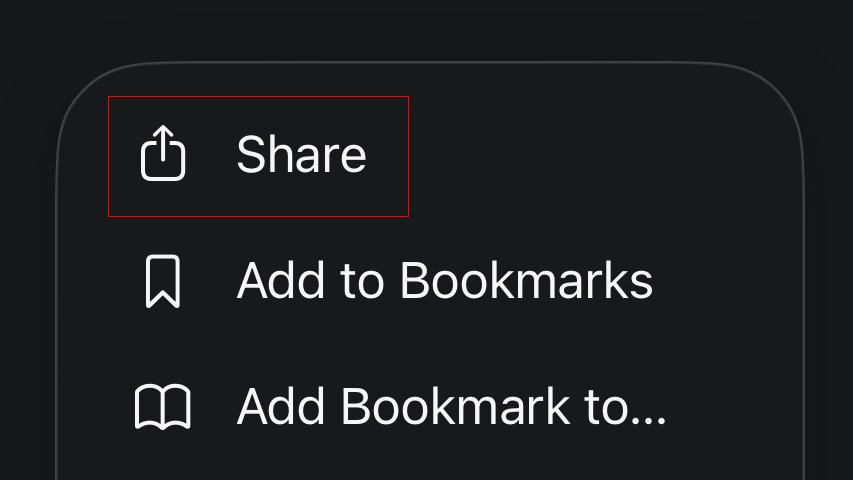
2. Share:
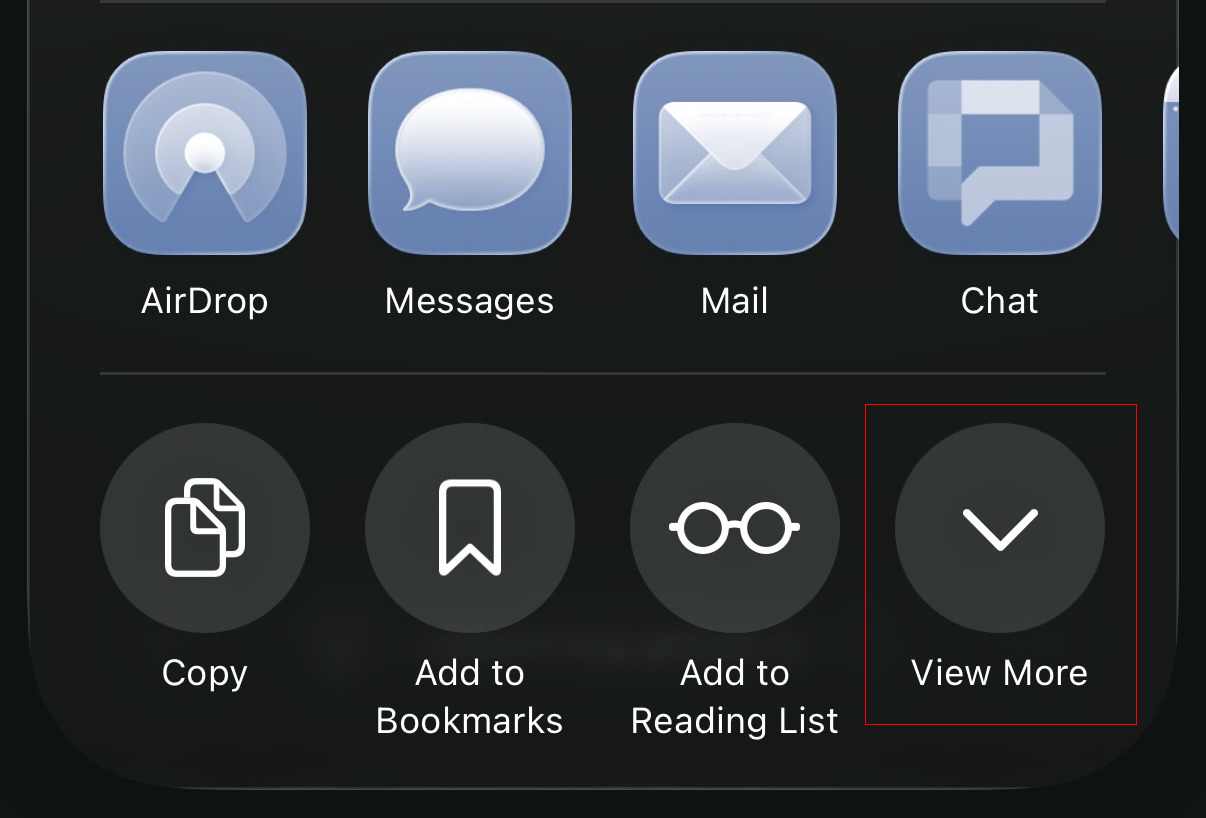
3. View More:
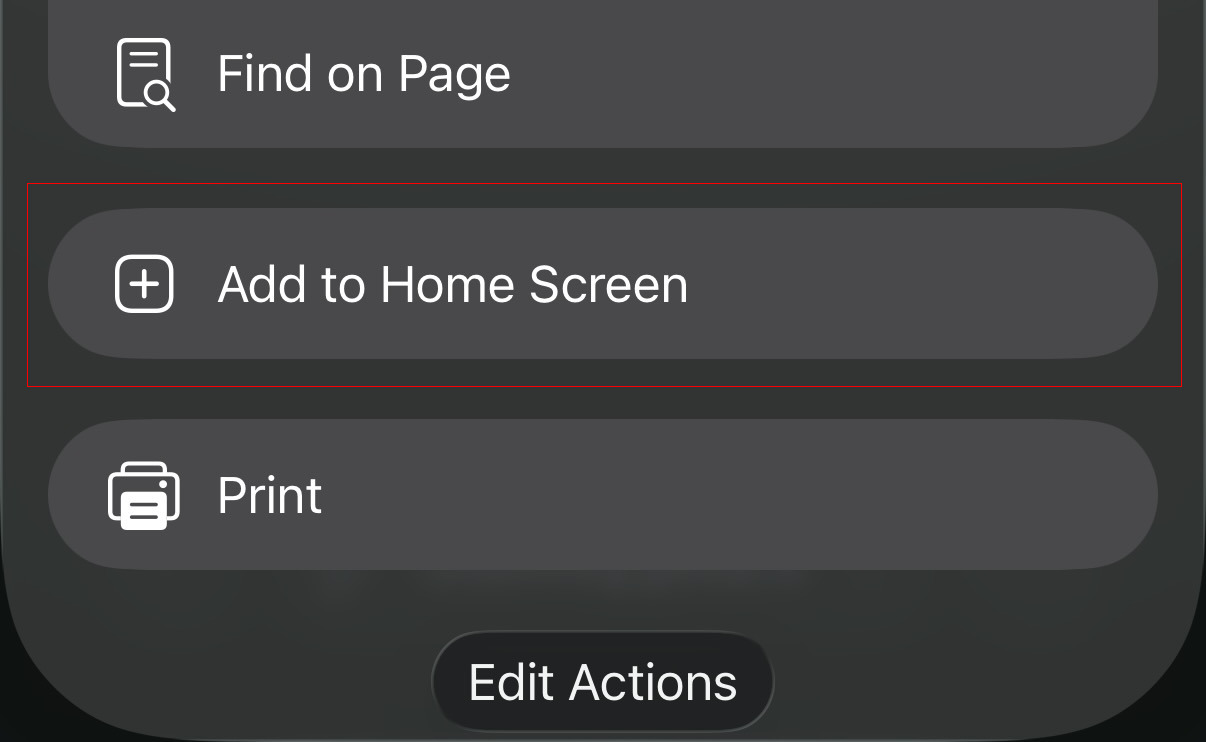
4. Scroll down to reveal the hidden "Add to Home Screen" button:
5. Tap the "Add to Home Screen" button:
6. Tap "Add":
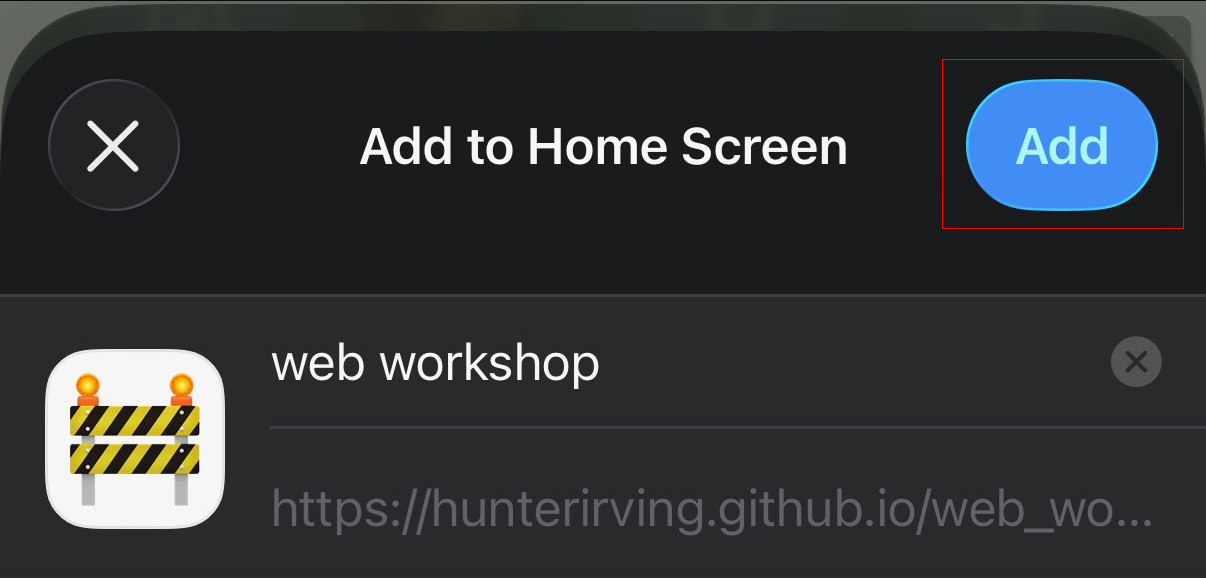
The app will be installed directly to your home screen.
Navigate to a website that supports PWA installation, then tap:
Add to Home screen Install.
Navigate to a website that supports PWA installation, then tap:
More Add to Home screen Add to Home screen.
Navigate to a website that supports PWA installation, then click File Add to Dock.
The app will appear in your Dock and Applications folder, and will open in its own window without browser UI.
Navigate to a website that supports PWA installation, then click:
Apps Install this site as an app.
The app will appear in the Start menu.
Navigate to a website that supports PWA installation and click the Install button in the address bar.

Click Install.
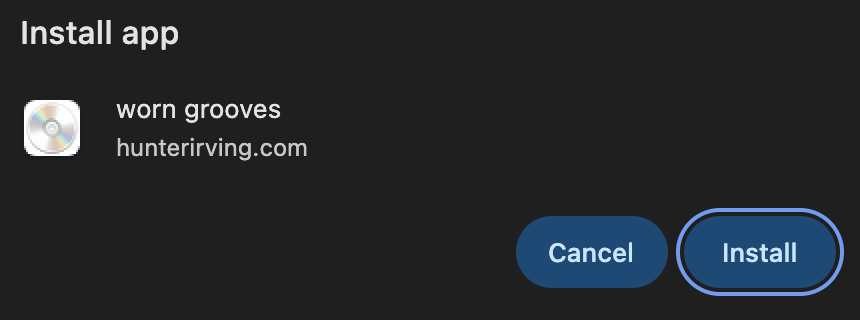
The app will appear in your applications folder or Start menu.
Note: Requires Firefox version 143 or later (150 or later if Firefox was installed from the Microsoft Store).
Navigate to a website that supports PWA installation, then click the install button in the address bar.
The app will appear in your taskbar and Start menu, and will open in its own window.
⚠️ The macOS and Linux versions of Firefox do not support web app installation.
Try Chrome or Safari instead.
Firefox for Windows added web app support in version 143 (September 2025), but support for macOS and Linux has not yet been announced.
Craft handmade websites in their natural habitat with this in-browser HTML editor. Works great on desktop or mobile.
Experience Huntergram, Gobbler, and more in the dedicated hunterirving.com PWA.
A no-nonsense QR code generator. Great for sharing links to PWAs you've developed with nearby friends.
Mixapps are like mixtapes or mix CDs, but packaged as PWAs that you can install for offline use. Use this link to learn how to create your own mixapps, or click here to install one assembled from public domain recordings.
A companion app for the first Animal Crossing game that lets you add in-game events to your device's calendar.
Community-scale infrastructure for local meetups and workshops. Browse events, RSVP by electronic mail, and even print flyers to publicize your meetups with this all-inclusive PWA.